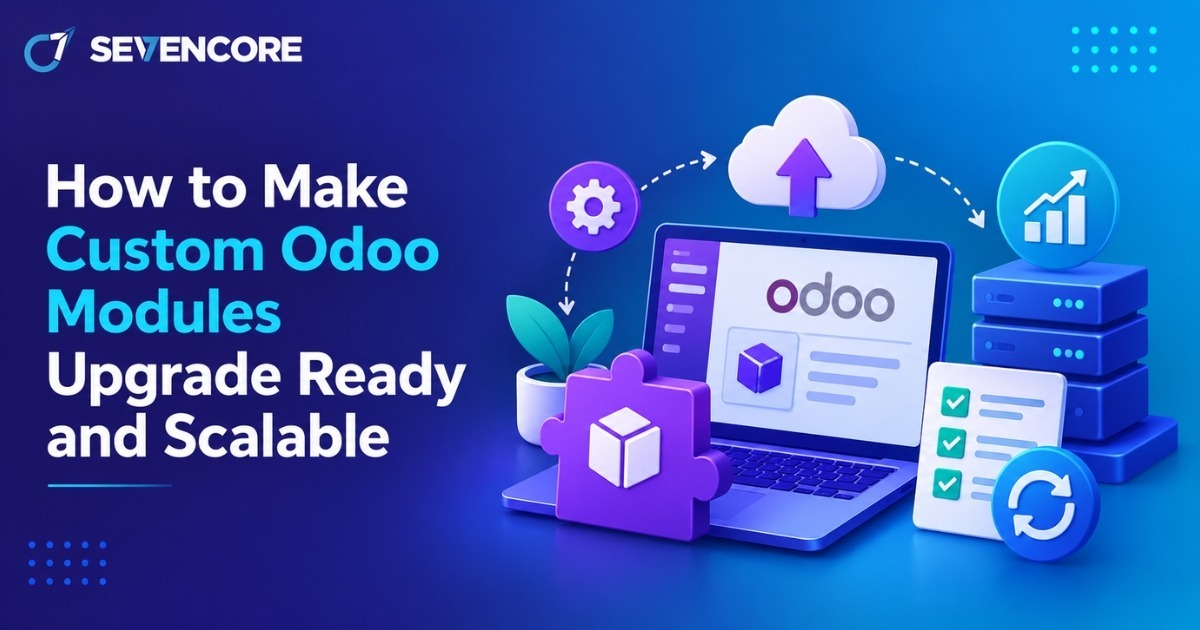
Odoo custom modules require code quality, modularity, and testing to keep them reliable as requirements evolve in the business environment. This could be achieved through Odoo inheritance, dependency management, optimized database activities, and testing of the customization before implementation. It will help the company retain its performance level while minimizing compatibility problems.
What Is an Upgrade Ready Odoo Module?
A future-proof Odoo module is one that will continue to be reliable and easy to maintain even as the Odoo platform continues to change. Through our Odoo development services, you can develop Odoo modules that utilize best practices, APIs, and inheritance.
Even if a module works properly now, improper customization may pose problems when there is an upgrade. Developing modules with future upgrades in mind can minimize maintenance expenses as well as preserve your functionality and facilitate your business’ success.
1. Use Odoo Inheritance Instead of Modifying Core Code
Modifications to core Odoo files can cause problems when upgrading the software since the standard code may be altered or become obsolete. Model, view, and method inheritance is used in development to enable the expansion of features without altering the base code.
A good example is where a developer uses inheritance to include a field for customer categories on an already existing contacts model.
2. Keep Custom Odoo Modules Modular
An efficiently organized module segregates business logic, view, security policy, report generation, and integration into different modules. This allows developers to easily understand, test, and modify the code.
In case of big software development projects, separating independent modules may also be beneficial for adding new functionalities to the software without disturbing other modules.
3. Manage Dependencies Carefully
Dependencies and required files are declared in the __manifest__.py file of Odoo modules. In general, developers need to include only those modules which are required for their customization.
Otherwise, third party dependencies will be redundant and might lead to problems with the installation.
4. Design the Database for Future Growth
A scalable module requires an effective data model. Programmers must select suitable relational attributes, avoid redundancy, and use database indexing where applicable.
In case of more records, inefficiency on the side of querying and structure of data may become an obstacle to business activity. Careful planning of the database is important for further scalability.
5. Optimize Code Performance
Custom code for Odoo needs to be efficient in terms of using the ORM and not to perform any unnecessary queries in the database.
Performance testing on realistic volumes of data should be carried out and problems in slow workflows need to be investigated before implementing any solutions.
Efficient code will help companies manage their increased workload without any additional delays.
6. Make Custom Views Upgrade Friendly
View inheritance based on XML is usually easier to maintain than complete copying of standard views. Developers must avoid using unstable XPath expressions and verify custom interfaces for the target Odoo version.
Front end modifications, buttons, forms, and reports must also be verified after upgrading to ensure business processes run as expected.
7. Build Security Into Custom Modules
Security controls regulate which users will have access to records and certain actions. Access control list and record rule is available within Odoo to help manage permissions.
It is important for developers to ensure that correct access rights have been allocated, to audit elevated permissions and also to test for various user roles.
8. Test Modules Before an Odoo Upgrade
Testing custom modules on a staging environment allows for troubleshooting of any issues that could potentially impact normal operation. When necessary, utilize a recent production database copy and run tests on the desired Odoo version.
Perform testing on crucial workflows, such as sales orders, invoices, reports, scheduled actions, permission levels, and external integration. Regression testing ensures that previous functionality is not affected.
9. Maintain Third Party Integrations
External integration tends to be hard to support if its logic is strongly coupled with internal business processes. By keeping API communication separate, you’ll make it easier to change or even replace external integrations if needed.
Always use documented APIs, proper error handling, credentials, and logging. Integration testing will help you find authentication, synchronization, and other issues.
10. Use Version Control and Documentation
Git helps developers track code changes, collaborate, and restore earlier versions when necessary. Clear documentation should describe module dependencies, supported Odoo versions, configuration steps, and known migration requirements.
These practices help development teams understand existing customizations and plan upgrades more efficiently.
Conclusion
Odoo modules that need upgrades require good architecture, effective code, security, and testing. The consideration of these aspects right at the beginning will ensure that companies do not face compatibility issues while scaling up their ERP systems.
Companies interested in odoo development services need to look for a company that has experience in Odoo architecture and integrations. Sevencore can help companies discover odoo development solutions suited for their operations.
FAQs
1. How do you make a custom Odoo module upgrade ready?
Use Odoo inheritance, manage dependencies, follow supported APIs, and test customizations in a staging environment before upgrading.
2. Why should Odoo core code not be modified?
Direct core modifications can conflict with newer versions. Inheritance generally provides a more maintainable way to extend standard functionality.
3. How can Odoo modules scale with business growth?
Use modular architecture, efficient database design, optimized ORM operations, and performance testing with realistic data.
4. How should custom modules be tested before an upgrade?
Test installation, data migration, permissions, reports, integrations, and essential business workflows in a staging environment.
5. What are common Odoo customization mistakes?
Common mistakes include modifying core code unnecessarily, using excessive dependencies, writing inefficient queries, overlooking security, and skipping regression testing.
References
- Odoo Developer Documentation – Official guidance on Odoo development, architecture, and customization.
- Odoo Server Framework Tutorial – Learn module development, model inheritance, views, and security.
- Odoo Module Manifests – Understand module dependencies, configuration, and manifest files.
- Odoo ORM API – Learn about data models, relational fields, and inheritance.