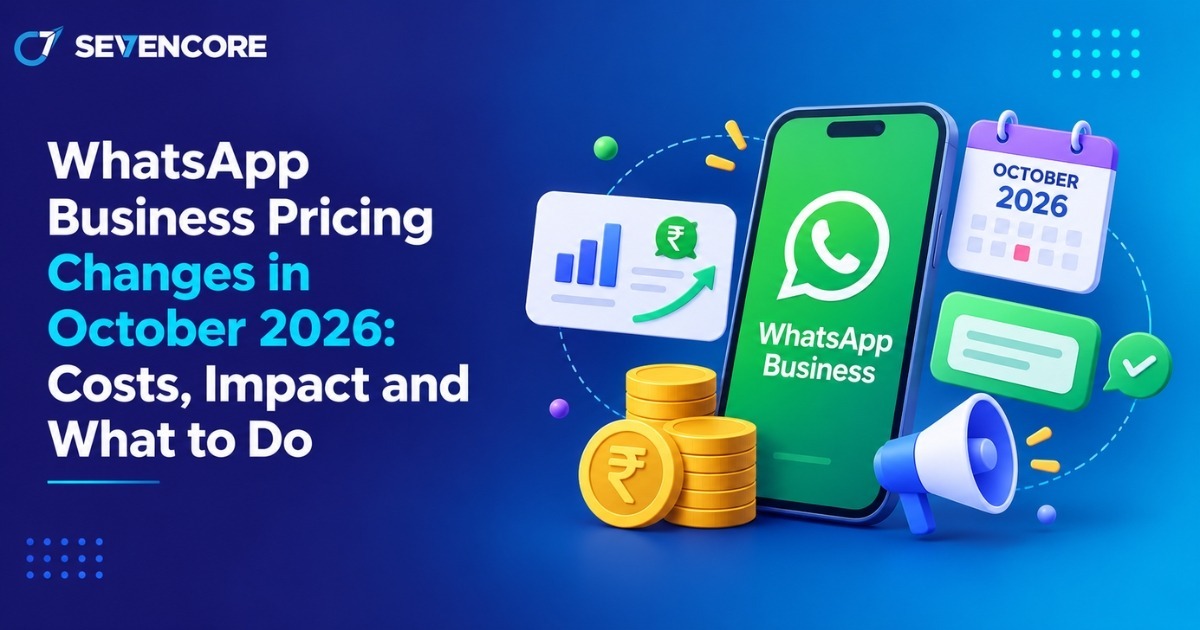
From October 1, 2026, Meta will begin charging businesses for certain WhatsApp Business Platform service messages after a monthly free allowance is used. Each business phone number will receive 1,000 free service messages per month. After that limit, additional service messages will be charged according to the applicable destination-market rate.The WhatsApp pricing changes 2026 also affect utility template messages sent inside an open 24-hour customer service window. These messages will become chargeable from October 1.For businesses using WhatsApp for customer support, chatbots, order queries, bookings or account assistance, the main priority is understanding how many messages are actually delivered each month and which category they fall into.
What Is Changing in WhatsApp Business Pricing in October 2026?
The main change is that service messages will no longer remain completely free inside WhatsApp’s 24-hour customer service window.
From October 1, 2026:
- The first 1,000 service messages per business phone number each month are free.
- Service messages above that allowance become chargeable.
- Utility template messages sent inside the 24-hour customer service window become chargeable.
- Incoming customer messages remain free.
- Eligible messages within WhatsApp’s existing 72-hour free entry-point window remain free.
The changes take effect from midnight on October 1 based on the WhatsApp Business Account’s timezone.
1,000 Free Service Messages Per Month
The free allowance applies to messages, not customers or conversations.
Each business phone number receives its own allowance of 1,000 delivered service messages every calendar month. If a company operates three eligible WhatsApp business numbers, each number is measured separately.
The allowance resets monthly. Unused free messages do not roll over into the following month.
For example, if a phone number uses only 700 service messages in October, the remaining 300 are not added to its November allowance.
What Happens After 1,000 Service Messages?
Once a business phone number has used its 1,000-message monthly allowance, additional service messages become billable.Meta applies service-message pricing based on the recipient’s destination market. According to current pricing documentation, service-message pricing corresponds to the applicable utility pricing for that country or market.
Therefore, there is no single worldwide cost for a service message. Businesses communicating with customers in different countries may face different rates.
How Does WhatsApp Business Pricing Work After October 1, 2026?
WhatsApp Business Platform billing depends on the type of outbound message being delivered. Understanding message categories is important because different categories can have different pricing rules.
WhatsApp Message Categories
WhatsApp business messaging can broadly be understood through four message types:
Service messages:
Non-template replies sent by a business while the 24-hour customer service window is open. These may include text, images, interactive replies or other ordinary support responses.
Utility messages:
Template messages associated with a transaction or customer-requested action, such as order updates, payment updates or appointment information.
Marketing messages:
Template messages used for promotions, offers, product discovery, re-engagement or other marketing communication.
Authentication messages:
Template messages used to verify a user’s identity, such as one-time passwords or verification codes.
From October 1, utility templates sent inside an open customer service window will be charged in the same way as other applicable utility messages.
How to Calculate Potential Service Message Costs
A simple starting formula is:
Chargeable service messages = Total delivered service messages − 1,000 free messages.
For example, suppose one WhatsApp business phone number delivers 4,500 service messages during November.
4,500 − 1,000 = 3,500 chargeable service messages
The estimated Meta messaging cost would then be:
3,500 × applicable service-message rate
The actual rate depends on the destination market, so businesses should check Meta’s latest rate card before calculating budgets.
It is also important to calculate delivered messages rather than simply counting customer conversations. One conversation can contain several outbound service messages.
What Is a WhatsApp Service Message?
A WhatsApp service message is a non-template message sent by a business in response to a customer while the 24-hour customer service window is open.
Typical examples include:
- Answering a customer’s product question
- Responding to a delivery enquiry
- Providing information requested by a customer
- Helping with an existing booking
- Resolving an account-related issue
- Answering a return or refund question
- Providing support through an automated chatbot
For example, if a customer asks, “Where is my order?” and a support agent sends three separate replies, those replies may count as three delivered service messages rather than one customer conversation.
What Is the 24-Hour Customer Service Window?
The 24-hour customer service window begins when a customer sends a message to a business. During that period, the business can send non-template service replies. The window can reopen when the customer sends another message.
The October pricing update does not remove the 24-hour window. It changes how qualifying business-sent messages within that window are billed.
What Is the 72-Hour Free Entry-Point Window?
Meta’s existing 72-hour free entry-point rule remains unchanged under the October update.When an eligible customer conversation starts through a Click-to-WhatsApp ad or qualifying Facebook call-to-action entry point, messages sent during the applicable 72-hour free window continue to be free for message delivery.
Businesses should therefore distinguish these messages from normal service-message traffic when analysing monthly usage.
How Will the October 2026 Pricing Change Affect Businesses?
The financial impact will depend mainly on customer-support volume and the number of outbound messages required to resolve each request.
Small Businesses
Businesses that remain below 1,000 service messages per phone number each month may have no service-message charges.
However, even a small business can cross the allowance if automated workflows send several responses for every customer interaction.
Medium-Sized Businesses
Businesses using WhatsApp as an established customer-support channel are more likely to exceed the allowance.
They should monitor:
- Messages generated by chatbots
- Order and booking workflows
- CRM-triggered communication
- Average messages per support case
- Usage across individual phone numbers
Large Businesses
High-volume operations may need to treat WhatsApp service messaging as a measurable customer-support cost.
The most useful metrics include delivered service messages per phone number, messages per resolved case, destination market and the percentage of outbound messages generated through automation.
How Can Businesses Reduce Unnecessary WhatsApp Messaging Costs?
Reducing costs does not necessarily mean sending fewer useful customer messages. The goal is to identify unnecessary or duplicated communication.
Businesses can:
- Audit delivered message volume every month.
- Separate service, utility, marketing and authentication traffic.
- Remove duplicate automated notifications.
- Review chatbots that split one answer across several messages.
- Check CRM workflows for overlapping triggers.
- Combine related information into one clear response where appropriate.
- Measure outbound messages per resolved customer request.
- Track when each phone number crosses its 1,000-message allowance.
- Review messaging costs by destination market.
- Recheck automation after major CRM or chatbot updates.
If messaging operations are managed internally or through a Social Media Marketing Company, the same message-level reporting should be available so billing can be understood independently of campaign or platform fees.
Final Takeaway
From October 1, 2026, Meta will introduce a monthly allowance of 1,000 free service messages for each WhatsApp Business Platform phone number. Service messages beyond that limit become chargeable at the applicable market rate. Utility template messages sent within an open 24-hour customer service window will also become chargeable, while eligible messaging within the existing 72-hour free entry-point window remains free.
Because the change has not yet taken effect and implementation details may still be updated, businesses should check Meta’s latest official pricing documentation and rate card before making final budget decisions. Gupshup’s September 20 update also notes that some details may remain subject to change until the new pricing is applied.
Frequently Asked Questions
1. When do the WhatsApp Business pricing changes start?
The WhatsApp Business pricing changes take effect on October 1, 2026. From this date, service messages above the monthly free allowance become chargeable based on the applicable market rate.
2. How many free WhatsApp service messages are available each month?
Each WhatsApp Business phone number receives 1,000 free service messages per month. The allowance applies separately to each business phone number rather than being shared across the entire business account.
3. What happens after 1,000 service messages?
After the first 1,000 service messages are used, additional service messages become chargeable. The cost depends on the recipient’s market and the applicable WhatsApp pricing rate.
4. Do unused WhatsApp service messages roll over?
No, unused free service messages do not roll over to the next month. The 1,000-message allowance resets at the beginning of each monthly billing cycle.
5. Does the 24-hour customer service window still apply?
Yes, the 24-hour customer service window will continue to apply after October 1, 2026. The pricing change affects how messages sent within that window are billed, but it does not remove the customer service window itself.
References
- Gupshup — WhatsApp Service Messages Pricing effective October 1, 2026.
- Bird Documentation — WhatsApp October 2026 Pricing Changes.
- Voltade — WhatsApp Pricing from October 2026.