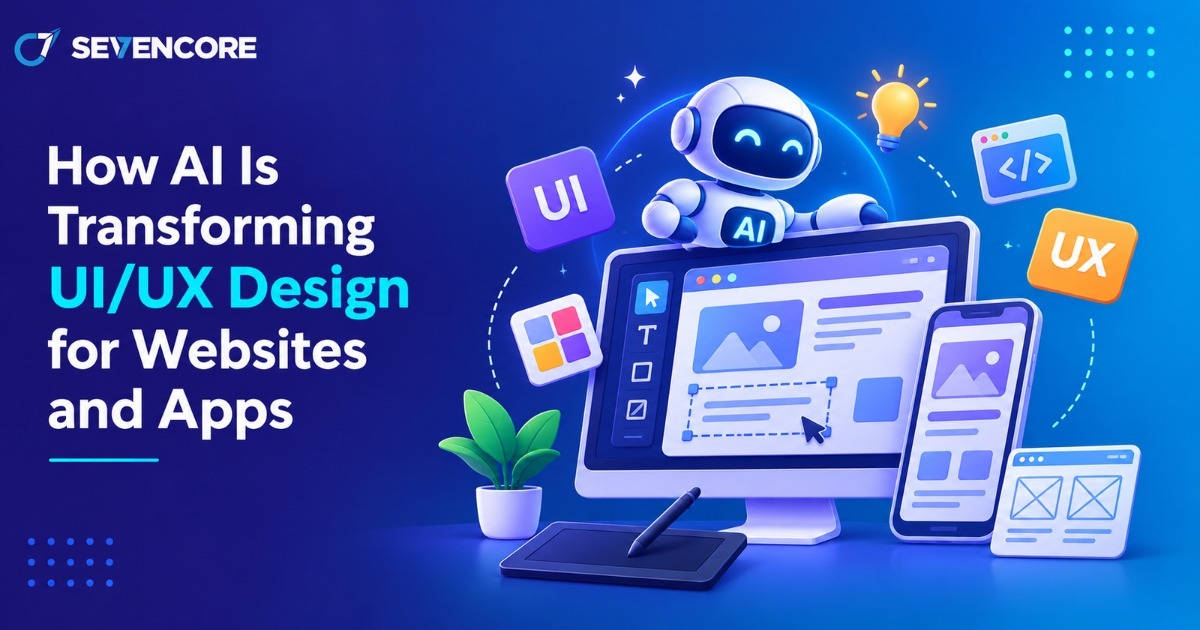
The use of artificial intelligence is also revolutionizing the way that design teams conceive of, construct and iterate upon their digital designs. Processes which used to take multiple days, such as creating wireframes or analyzing large numbers of user sessions, can now begin within minutes.
But what specifically can artificial intelligence do for design teams? Speed up processes, better comprehend user behavior and create more personalized user experiences – all without the need for human designers to make important decisions about usability and creativity.
What Is AI in UI/UX Design?
This is the process of using artificial intelligence technology to aid the appearance and function of an app or website.
- UI design focuses on the appearance part: buttons, typeface, color, and layout.
- UX design focuses on the experience as a whole: how easy it is for people to access information and perform tasks.
- AI-driven design implies that designers apply artificial intelligence technology to enhance the processes of UI and/or UX design.
In fact, behind the scenes, generative AI generates layouts, texts, and images from prompts. Machine learning discovers patterns in behavior and predicts users’ further actions. User analytics provides the data on where users click, scroll, and abandon the webpage.
How AI Is Transforming UI/UX Design for Websites and Apps
The use of AI for both web design and app design affects all stages of the process, from ideation to post-launch tweaks. This is what has changed the most.
Automated Wireframes and UI Prototyping
Designers can type a prompt such as “checkout screen for a grocery app” and immediately receive several different layout options. Designers can evaluate the screen designs and navigation structures before optimizing the best option manually. AI takes care of the blank canvas while the designer takes care of judgment.
Personalized User Experiences
The personalized approach using AI will be adjusted to match the objectives of the individual users, such as showing a guided tour for new users but directly opening their saved products for returning users. The important thing here is moderation: the personalization approach has to be helpful rather than intrusive.
Predictive User Journeys and Smarter Navigation
Using AI and analyzing the most frequent navigation routes, one can predict the following step of the user, reveal any shortcut, and fill in the forms. This way of creating an AI-based user experience helps eliminate the friction during checkout processes and long app procedures.
AI-Powered Usability Testing and Design Optimization
Tools used for AI UX testing include analysis of session recordings, heatmaps, and feedback for identifying areas where users may have pauses and drop-offs. In addition, they help in A/B testing, which helps designers improve the user experience by understanding their behavior rather than guessing.
Conversational Interfaces and Generative UI
Chat and voice interfaces allow users to say what they need to do using natural language. Through generative UI, the interface changes according to the user’s needs. For example, if the user is comparing different plans, then the system will create a table that will show the comparison.
Key AI-Powered UI/UX Design Trends in 2026
Here are the five trends that will influence team design this year:
- Generative UI: User interfaces developed on-the-fly in real-time according to users’ needs.
- Adaptive interfaces: Adaptive interfaces based on the context (location, device type, time of day).
- Multimodal interaction: An experience involving both text, audio, vision, gestures and other interaction models.
- AI-based accessibility: Tools detecting and suggesting solutions to accessibility problems before deployment.
- Agent-enabled experience: AI-based assistants completing various processes upon user authorization.
In February 2026, Google Research presented a concept of the Natively Adaptive Interfaces, which is a multimodal AI-based adaptive interface.
Benefits of AI-Powered UI/UX Design
- Faster prototyping and design iteration
- More relevant, personalized experiences
- Earlier detection of usability issues
- More efficient design workflows
- New ways to improve accessibility
- Design decisions backed by data
One caveat matters: these benefits depend on how well AI is implemented. Validate every gain through user testing rather than assuming it.
Popular AI Tools for UI/UX Designers
These AI design tools each cover a specific part of the workflow. None of them automates the full UI/UX process on its own.
| Tool | Best For |
| Figma AI (including Figma Make) | Generating layouts from text prompts inside Figma |
| Uizard (now part of Miro) | Turning prompts, hand-drawn sketches, or screenshots into editable wireframes and mockups |
| Adobe Firefly | Creating generative images, icons, and visual concepts |
| ChatGPT | Brainstorming, user-flow planning, UX copy, and research support |
How Businesses Can Integrate AI into Their UI/UX Design Process
- State the problem. List user issues and the business goals related to them.
- Select appropriate tools. Align AI capabilities with their purpose: researching, prototyping, or testing.
- Create and validate. Make initial designs and validate them against company brand guidelines.
- Test with actual users. Observe users using the new screens.
- Validate fundamental requirements. Ensure that accessibility, privacy, and performance requirements are met.
- Analyze outcomes. Measure user task-completion rates, conversion, and satisfaction.
- Improve and reiterate. Enhance experience based on proven findings.
Final Thoughts
Artificial intelligence will assist the design teams to evolve towards adaptive and more usable digital products. This technology is going to speed up the process of tedious work and provide faster insights. Nevertheless, there will be better results if artificial intelligence is complemented by creativity, research, and usability testing.
Do you need a website or application with a modern and intuitive UI? Let Sevencore help you to develop the design and implement artificial intelligence.
FAQs
How does AI improve UI/UX design?
AI speeds up wireframing and prototyping, reveals patterns in user behavior, and flags usability problems early, freeing designers for strategy and creative work.
Can AI replace UI/UX designers?
No. AI can generate options and analyze data, but it cannot understand brand, emotion, or business context the way people do. Designers remain responsible for final decisions.
How is AI used in website and mobile app design?
Teams use it to generate layouts, personalize content, predict navigation, power chat or voice features, and analyze usability test results.
What are the best AI tools for UI/UX designers?
Popular choices include Figma AI, Uizard, Adobe Firefly, and ChatGPT. The best fit depends on whether you need prototyping, visuals, or research support.
How does AI personalize user experiences?
It studies behavior such as past clicks, searches, and preferences, then adjusts content, recommendations, and onboarding to match each user.
What are the limitations of using AI for UI/UX?
AI can produce generic layouts, carry bias from its training data, raise privacy concerns, and miss accessibility needs. Human review and user testing are still essential.